Journal & widget
On-device journal and widget
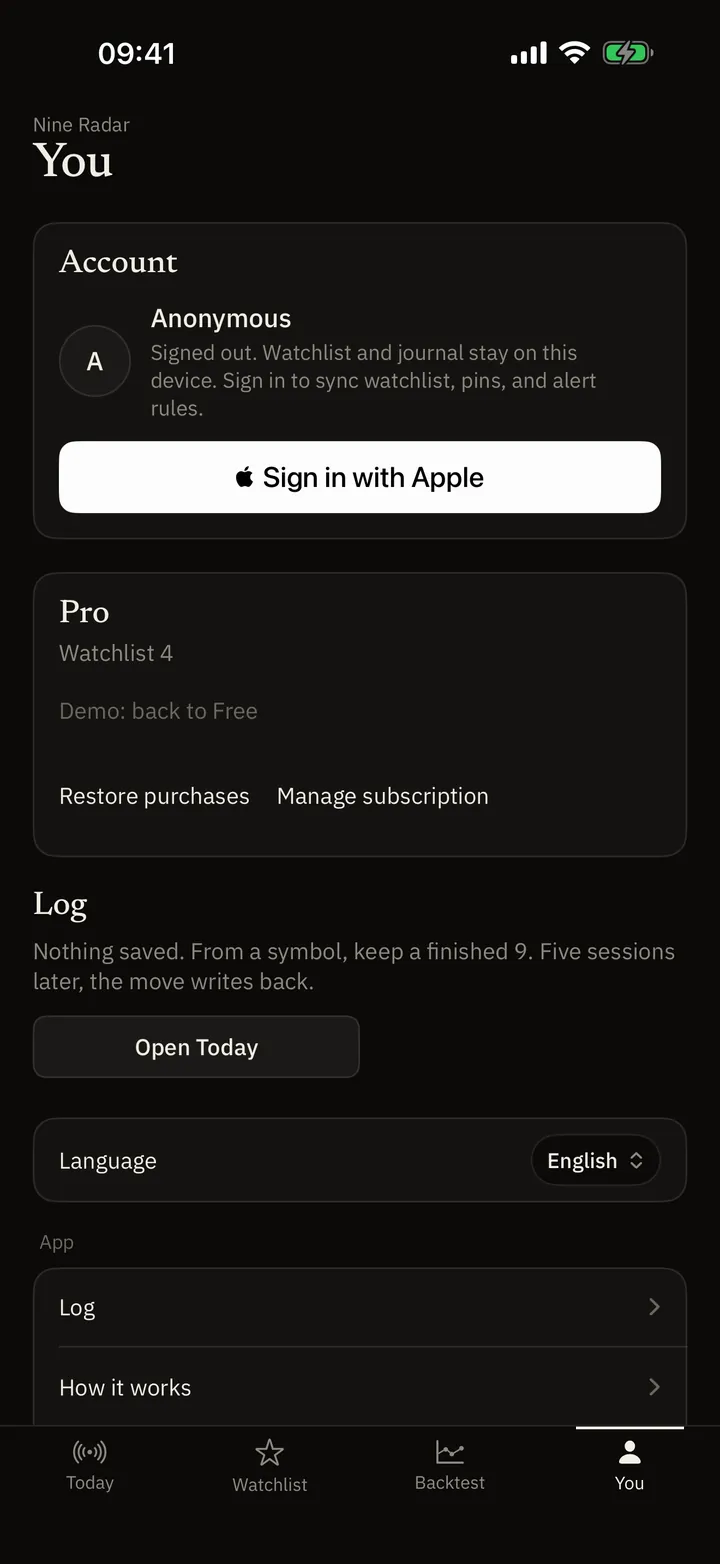
If you want a close you can reopen later, log the finished 9 or 13 on this phone. That journal stays here. The Home Screen widget is a Pro count of today after the close. Neither is a broker ticket.
What this is for you
- A close you can reopen: Log from the symbol history or when a 9 has just completed. Filter later. Swipe to delete.
- Not uploaded with Apple ID: Sign-in syncs watchlist and alert rules. The journal does not ride along unless you wipe the device data yourself.
- Today’s counts without opening the app: Small, medium, and large each show four counts: low-9, high-9, 13, and Almost. Medium lists up to two names; large lists up to six. Small does not list names. Tap opens the app. Updated after the close.
Log it from the name
On a finished 9 or 13, tap Log. History rows have the same control. The same name, date, kind, count, and timeframe is not stored twice.
Open the journal from Me
Filter later. If it is empty, go back to Today.
Add the widget on the Home Screen
Long-press → + → 九转雷达 / Nine Radar. That sheet is iOS; the app can only preview it.
A dash is not a count
Without Pro the four counts show a dash. The widget does not invent a count.
What stays on the phone
Journal, local preferences, and the bar cache for offline counts stay on device. Cloud delete removes server watchlist and rules; it does not erase the journal unless you also clear all data on this phone.
The widget shows today’s counts only. It is not a live quote, not a pick, and not a notification permission of its own — remote notes still go through Alerts.
FAQ
Is the journal in iCloud?
NineRadar does not upload the journal with Apple sign-in. Watchlist and alert rules can sync. Clearing all data on this phone deletes the local journal.
Why does the widget show a dash?
Pro is off, the snapshot is empty, or that market’s close is not in yet. It does not invent a count.
Can I add the widget from inside the app?
iOS requires the Home Screen + sheet. Me only shows a preview and the name to search: 九转雷达.
Keep a local close
Journal and widget live in the iOS app. Questions: support@nineradar.com.