After the close, on your phone
Use NineRadar after the close
You already have a quote app that paints 9 on the chart you bothered to open. After the cash close you usually want a shorter question: who on the names you follow — or on this market’s list — finished a 9. The 13 list is Pro. These pages walk that evening with you. The number is a count. It is not a buy or sell instruction.
One quiet close
Confirm the market and the close
Open Today and read which market you are on. Daily and weekly counts wait for that session’s close. The list is the hot list plus your watchlist, not every listing on the exchange.
Add the listing, not only the short name
Put the names you already follow on Watchlist. Free keeps eight. Check the stored code: 0700.HK, 600519.SS, and 005930.KS are different listings. The watchlist guide has the mapping.
Read a count only after that bar has closed
Open a row when you need C versus C−4. On the market list, Almost shows unfinished 8 only. On Watchlist it is unfinished 7 or 8. If the bar is still open, the count can still move.
Replay history if you want it
Run one name, or scan the names in a market list. The default structure comparison is the close 10 bars later. The research ledger is a separate reading. Yesterday does not forecast the next bar.
Ask for a note only if you want one
Pro, plus system permission and a registered push. One summary after the close. Saving a rule is not the same as a note on the lock screen.
Leave a local note, or a widget, if you need them
Log a finished 9 on this phone. Add a Home Screen widget for today’s counts. The journal stays on the device.
If you use the app after the close
Open the screen you will actually tap tonight.
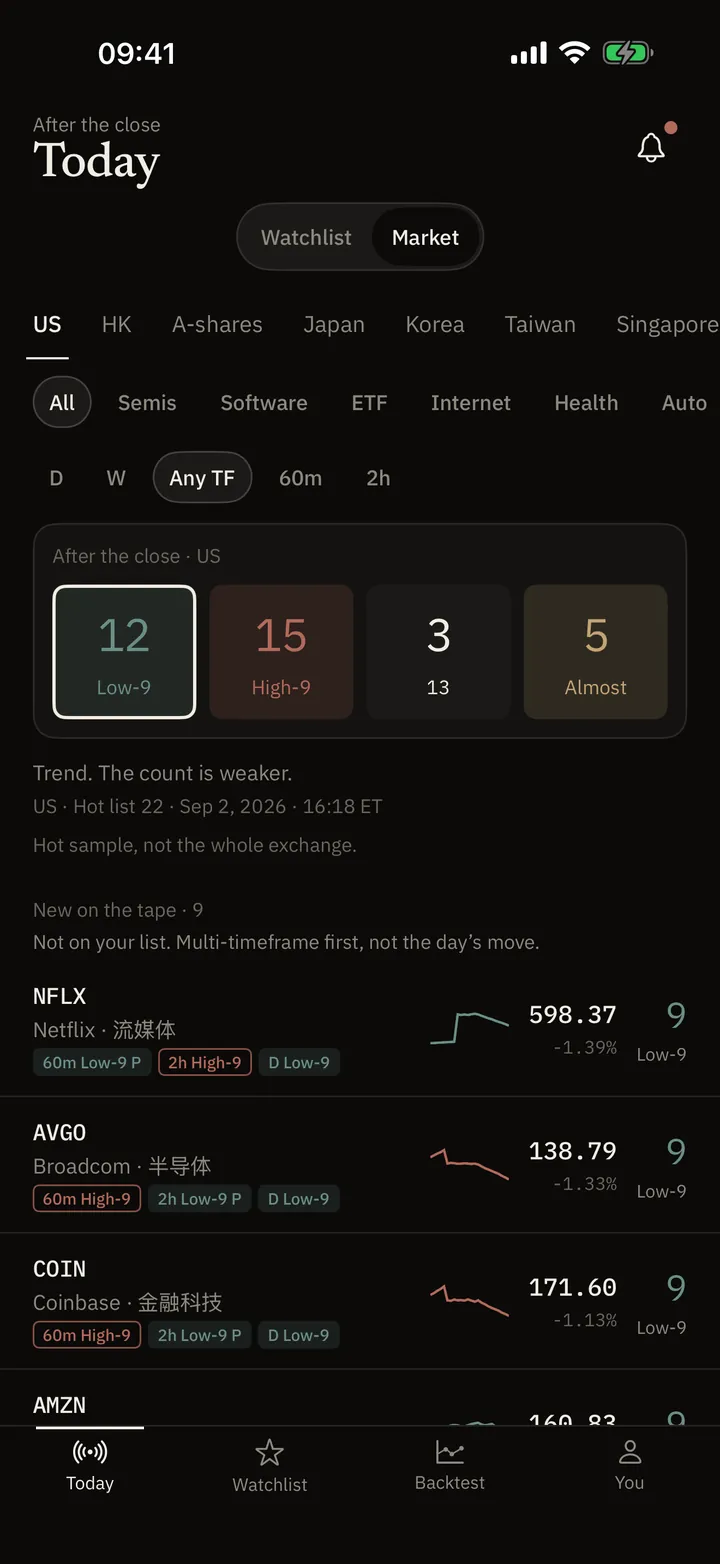
Today
After the close, who finished a 9. The 13 list is Pro.
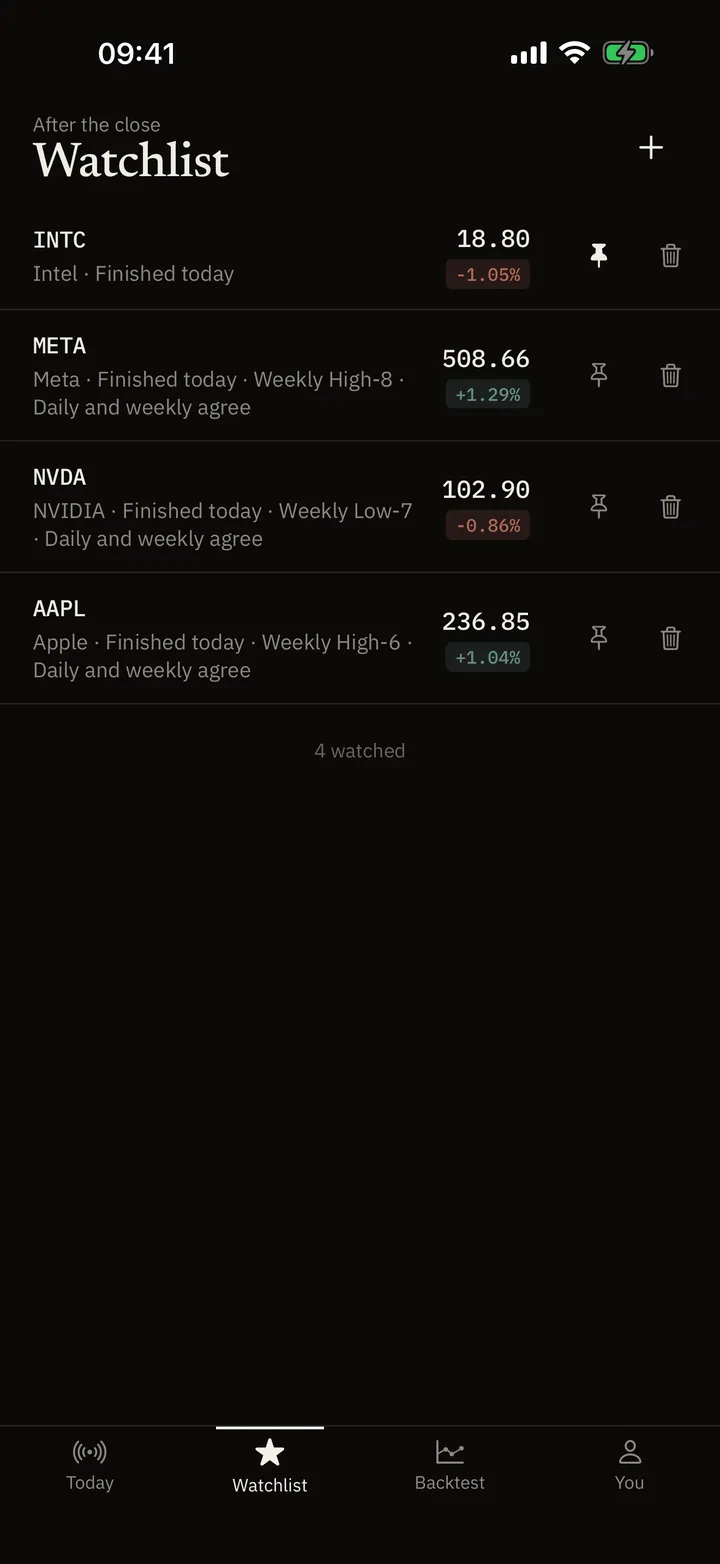
Watchlist
The names you already watch, on one screen.
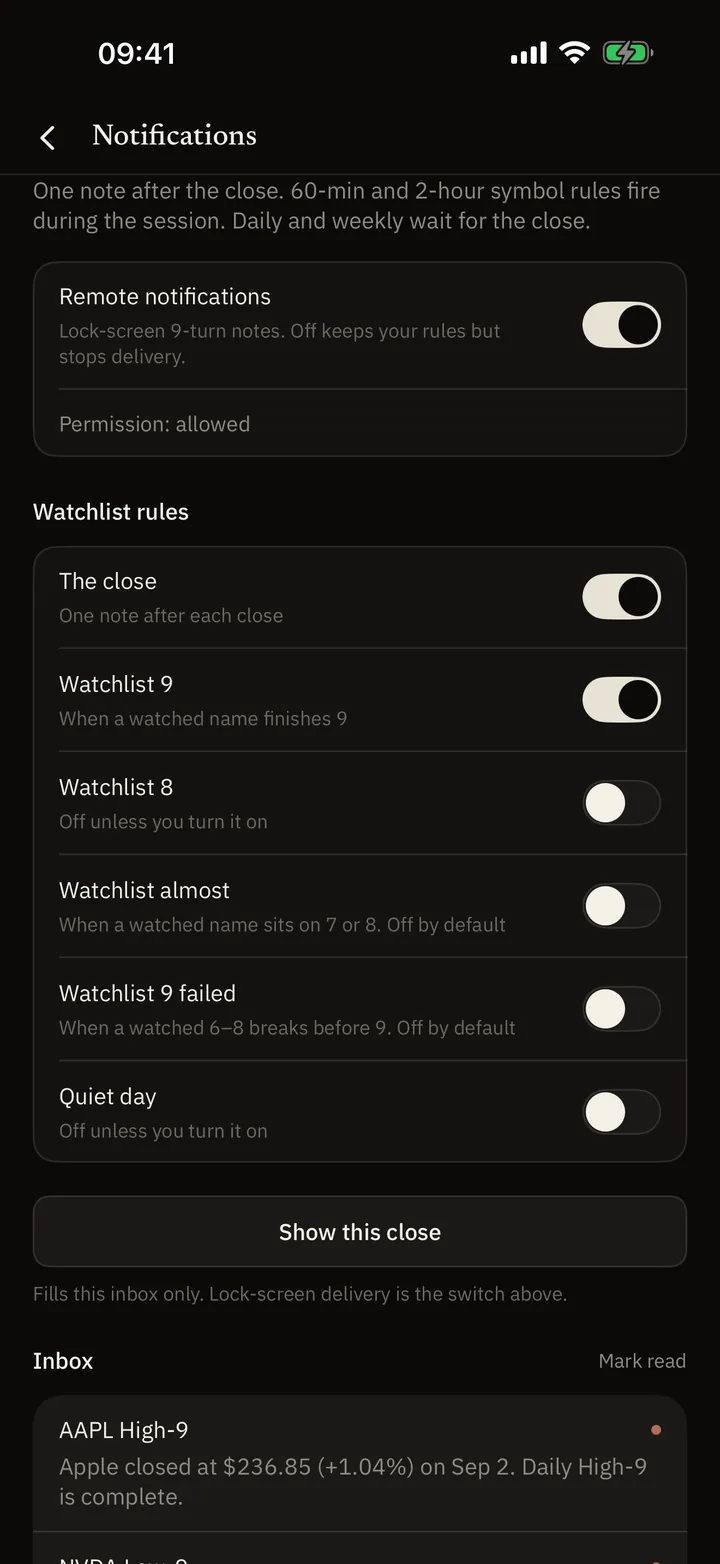
Alerts
One note after the close — if you asked for it.
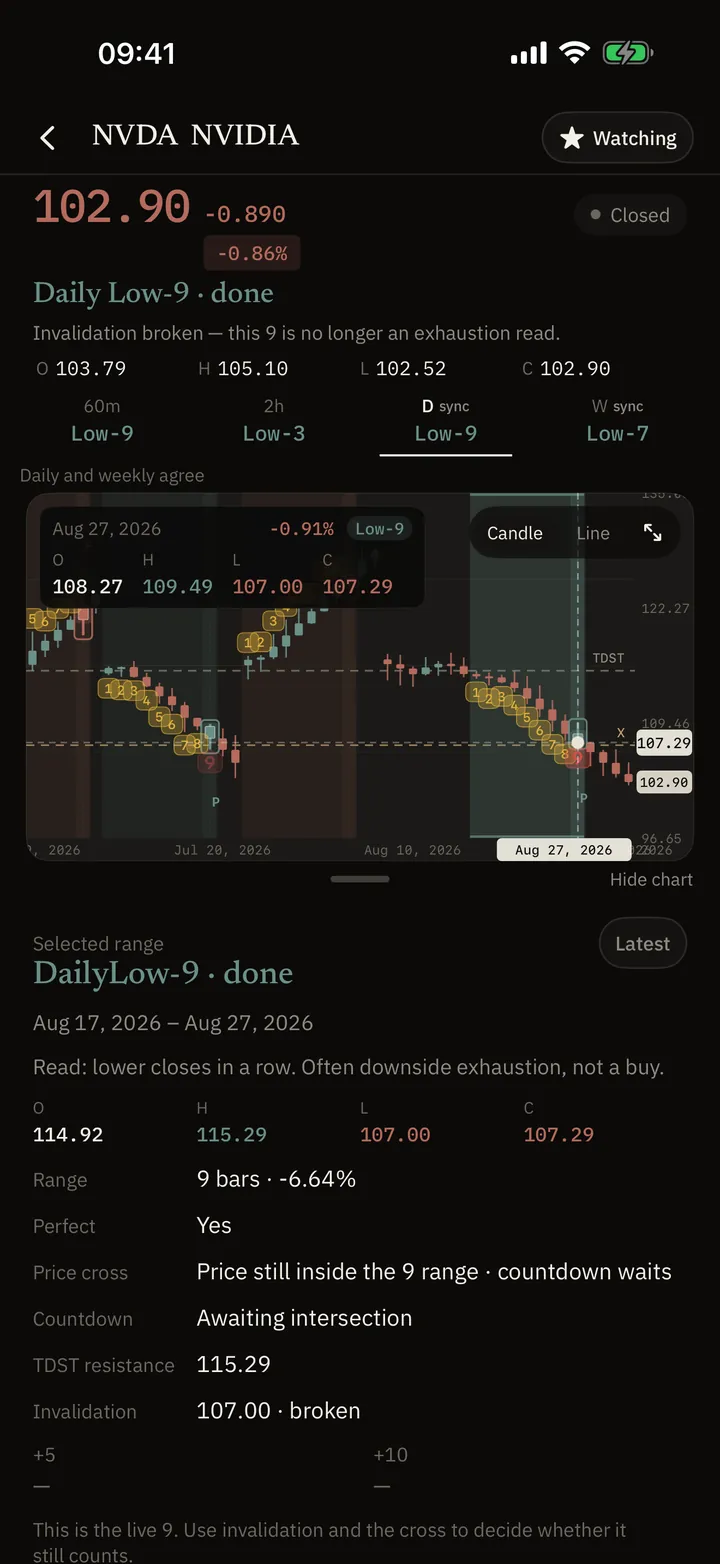
Read a name
Why that number is that number, and whether the bar has closed.
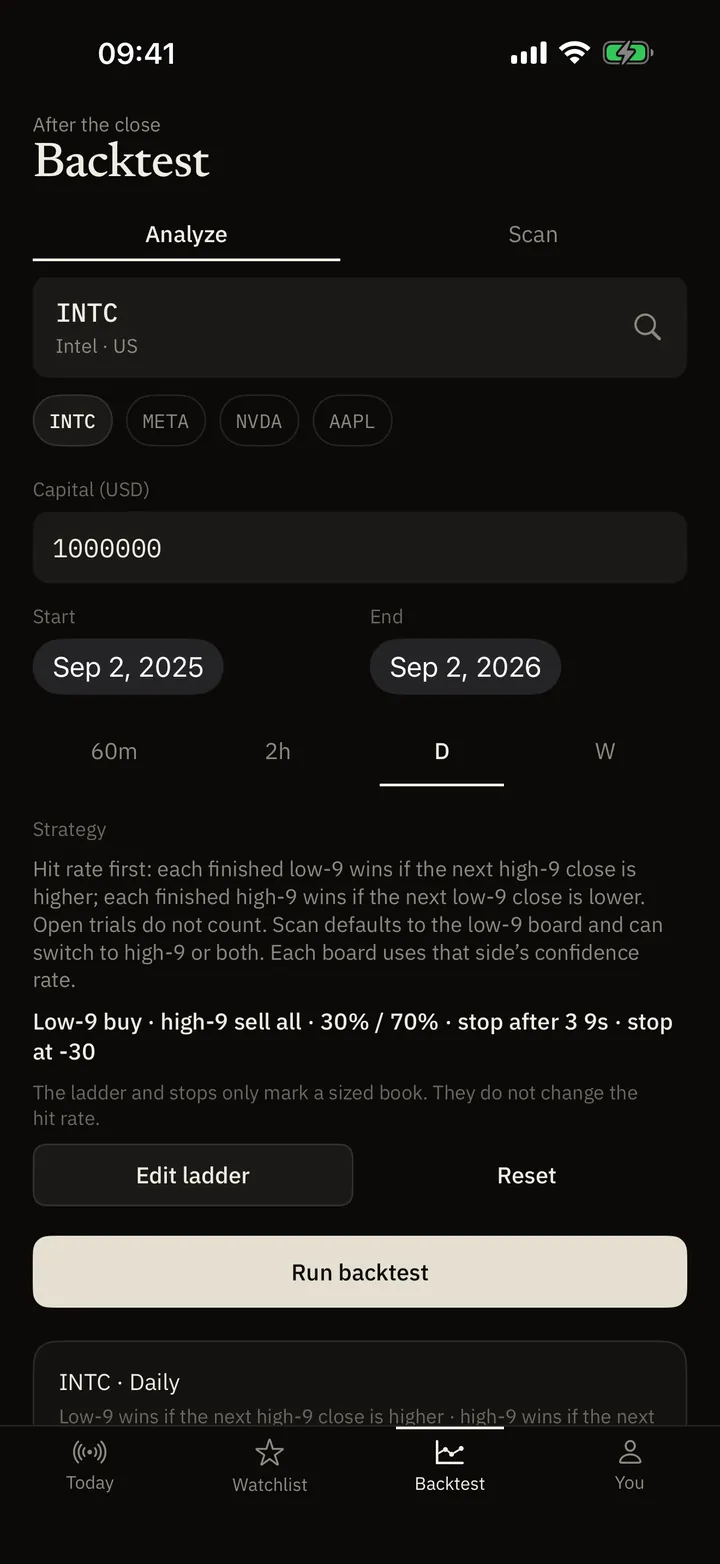
Backtest
Replay finished 9s. History, not a pick list.
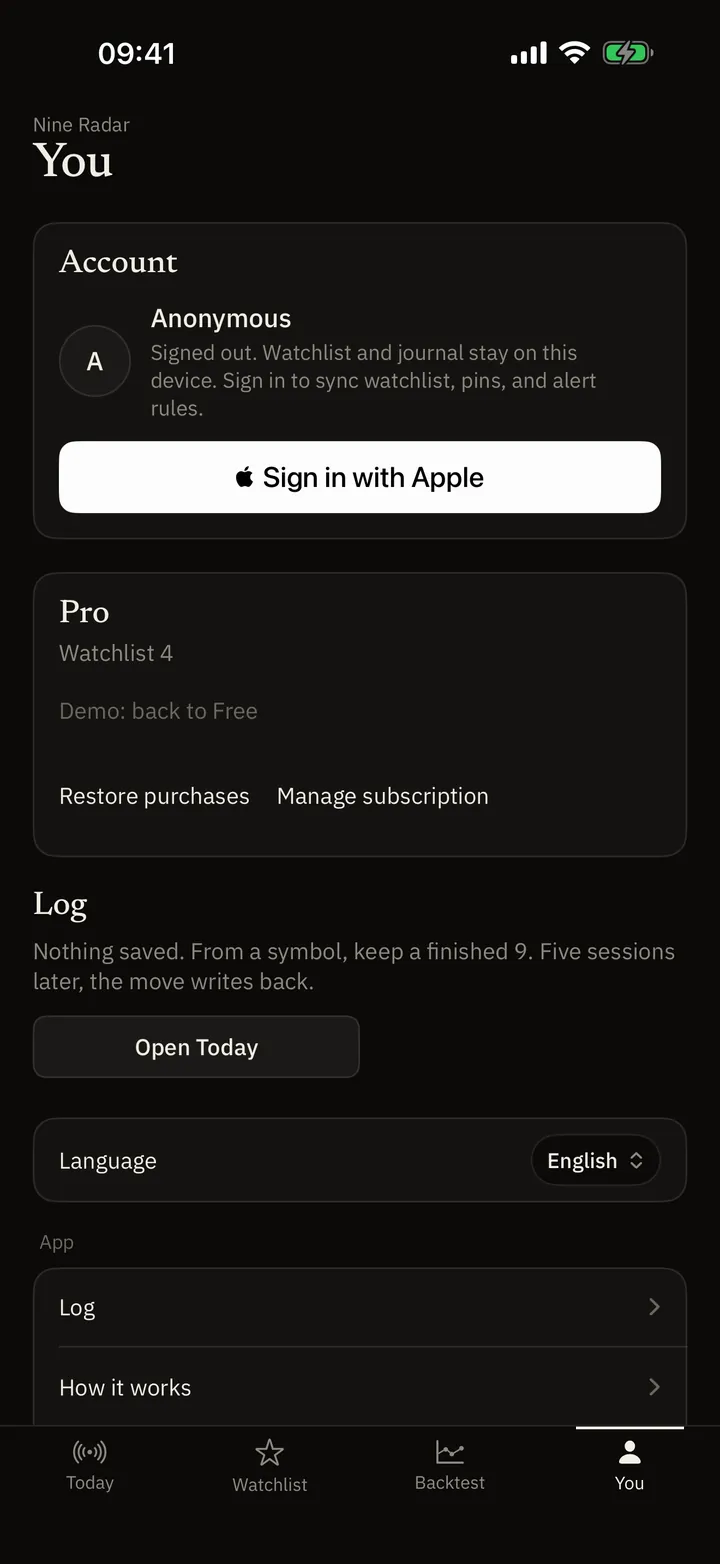
Journal & widget
A local note, or today’s counts on the Home Screen.
What you get on Free, and what Pro opens
Free is a short list after the close. Pro is the rest of that market’s hot list, the 13, lock-screen notes, the widget, and longer replay. Apple sets the price in the App Store; it is not written here.
- Watchlist: Free: 8 names. Pro: no cap on the list you add.
- Today (market): Free: first 10 names on that market’s hot list. Pro: the full hot list. The scan is not every listing on the exchange.
- 13, Perfect, TDST: Finished 9s stay visible on Free. 13 on the tape, Perfect, and TDST / invalidation details are Pro.
- Alerts and widget: Remote lock-screen notes and the Home Screen widget are Pro. They also need system notification permission.
- Intraday: 60-minute and 120-minute counts, in-session symbol rules, and intraday backtest are Pro.
- Backtest: Free: one pool scan, up to 100 ranked rows, at most 365 days, default ladder. Pro: longer windows, editable ladder, saved scan tasks.
FAQ
If a 9 prints, should I trade?
No. You are looking at a structure count and at history. The app is not a broker and not investment advice. History does not forecast the next bar.
When does a count count?
Daily and weekly wait for that session’s close. 60- and 120-minute counts wait until that bar has closed. An unfinished 1–8 vanishes if the next close fails the test.
How is this different from a quote app’s 9?
A quote app marks 9 on the chart you opened. NineRadar lists who finished after the close, then lets you read the evidence, set a note, or replay finished structures.
Which markets?
The iOS app covers US, HK, China A-shares, Japan, Korea, Taiwan, Singapore, UK, EU, Canada, Australia, India, Brazil, and a small index set. This website’s stock lookup is US, HK, A-shares, and Korea.
If a screen still does not make sense
Say which market you were on and what you tapped. Questions: support@nineradar.com.