After the close
Review who finished a 9 after the close
Hot list and watchlist on iPhone. Not every listed security.
A chart can mark 9 on the symbol you opened. NineRadar lists who finished a 9 after that market’s close, and who finished a 13 when Pro is on, on the hot list and the names you added, for US, Hong Kong, China A-shares, and Korea on the web, and more markets in the app watchlist. A count, not a pick.
iOS. Lock-screen 9s, replay of finished pairs. A count, not advice.
After the close · US · HK · CN
Structure sketch · not a live screenshot
Why add NineRadar if your broker already shows 9?
The 9 is easy to find. The scarce thing is seeing who finished after the close, an honest reset, and a replay that only scores finished pairs.
Typical trading apps
vsNineRadar
Paint 9 on the one chart you already opened.
Finding 9
After the close, a list of who finished a 9. The 13 list is Pro.
One market, one symbol at a time.
Markets
Separate directories for US, Hong Kong, China A-shares, and Korea. Today scans a hot list plus a watchlist, not every listing.
The number appears; the story ends.
Replay
The default replay compares a finished 9 with the close 10 bars later. Pending trials stay out of that percentage. It is not a forecast accuracy.
Alerts sit next to ads, shouts, and picks.
Alerts
A lock-screen alert. No ads. No picks. History stays on this phone.
What you open after the close
Free: 8 watchlist names, and the first 10 of each market’s hot list. Pro: the rest of that hot list, 13 on the list, and lock-screen alerts. The hot list is not the whole exchange.
Today
Who finished it today
After the close, the list shows finished low-9 and high-9. 13 on that list is Pro. You do not flip charts to hunt the number.
Watchlist
Names you already follow
Free keeps eight names. Today can stay on that list. Pro opens the rest of the hot list, not every listing on the exchange.
Backtest
Only finished pairs
The default replay compares a finished 9 with the close 10 bars later. A low trial counts as up when that close is higher. Pending trials stay out. This is a closed-sample price change, not a forecast accuracy rate.
You
Lock-screen notes
With Pro, system permission, and a registered push, the close summary and watchlist-9 notes start on. A 60- or 120-minute note needs a rule on that timeframe. The journal stays on this phone.
If you use the app after the close
Your list, a lock-screen note, how to read one name, then history if you want it.
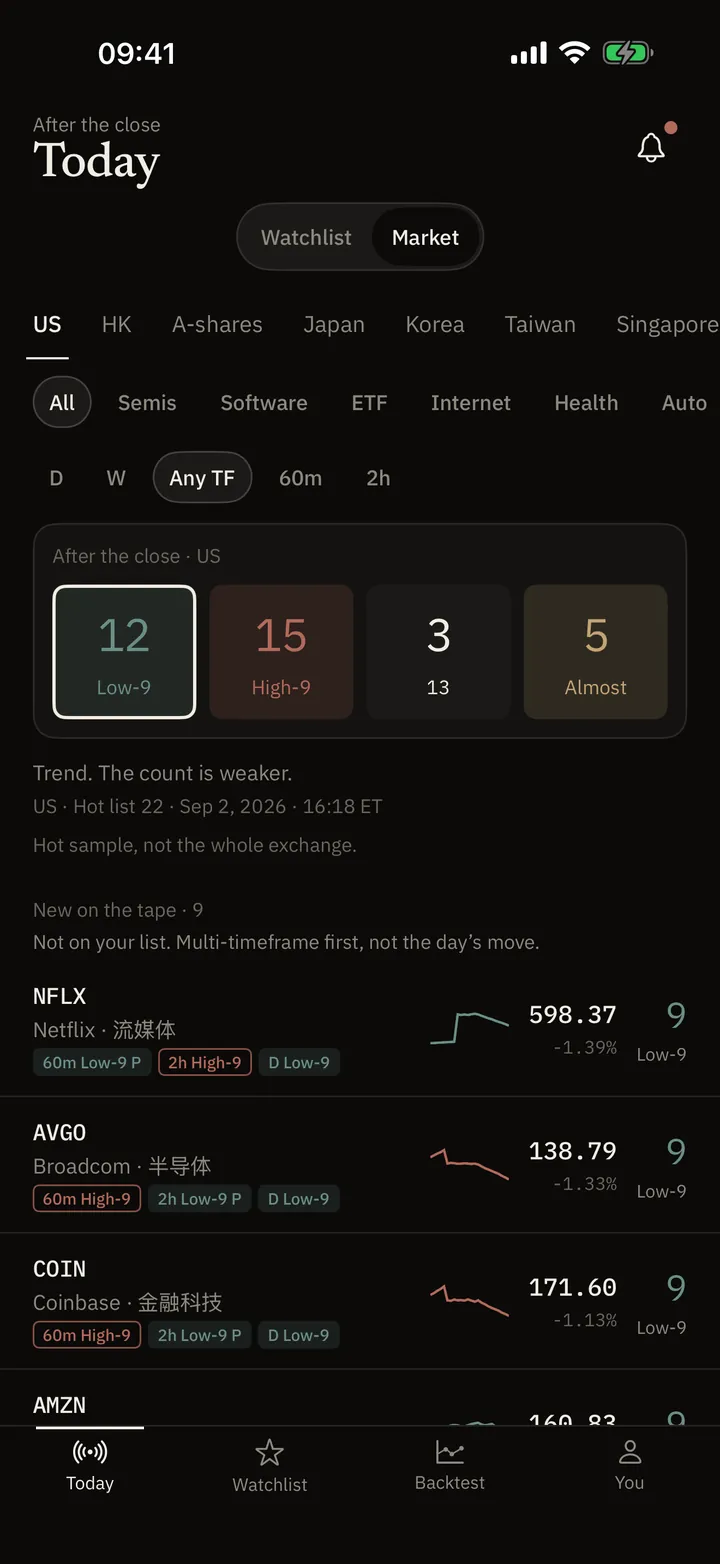
Today
After the close, who finished a 9. The 13 list is Pro.
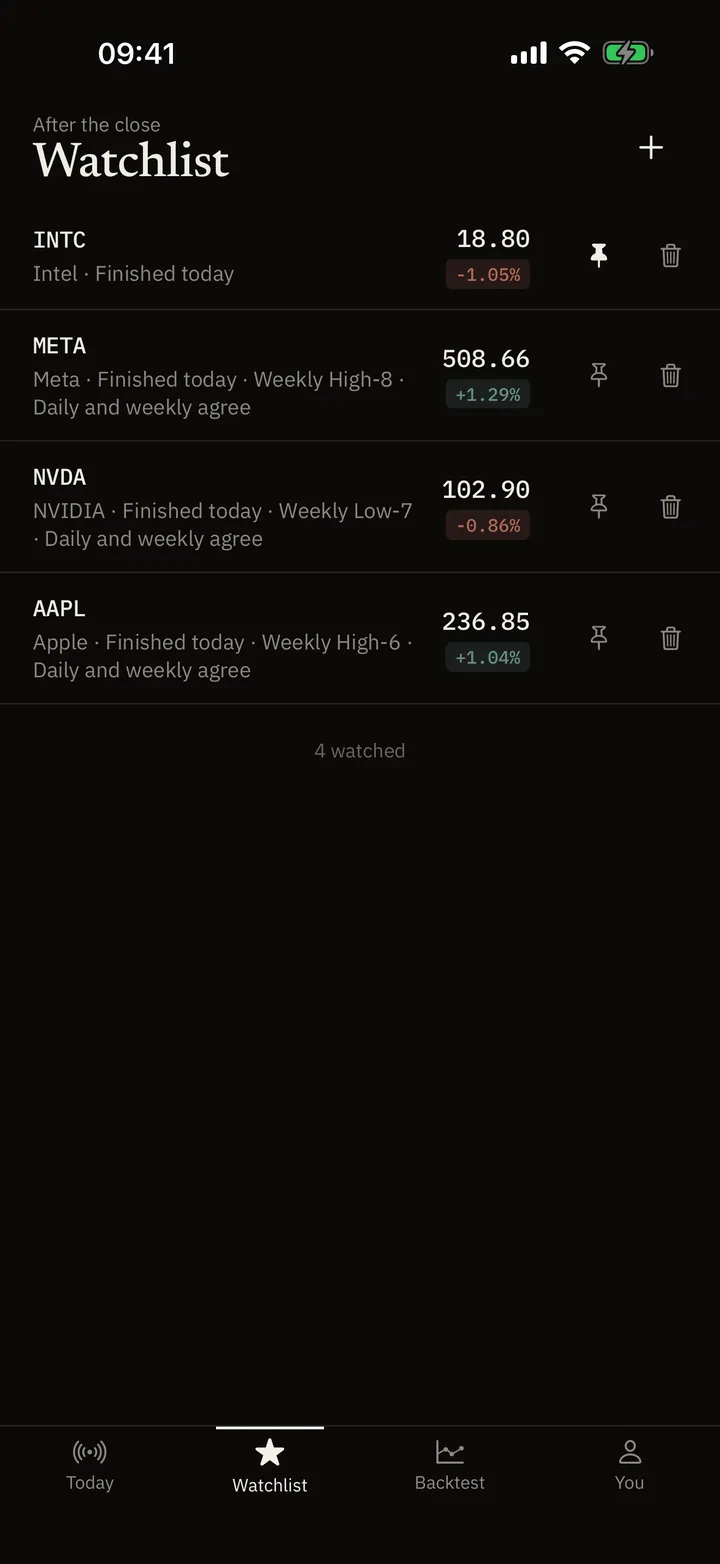
Watchlist
The names you already watch, on one screen.
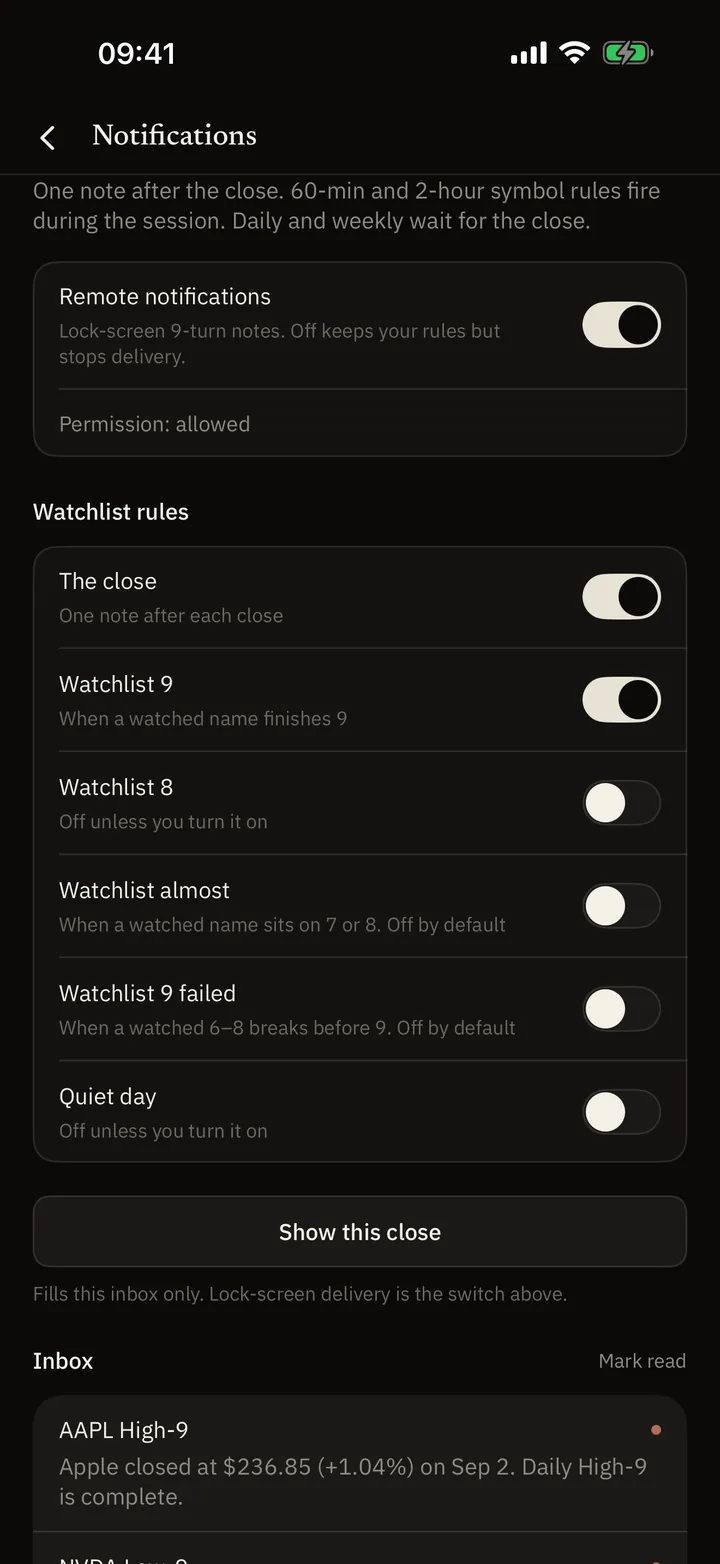
Alerts
One note after the close — if you asked for it.
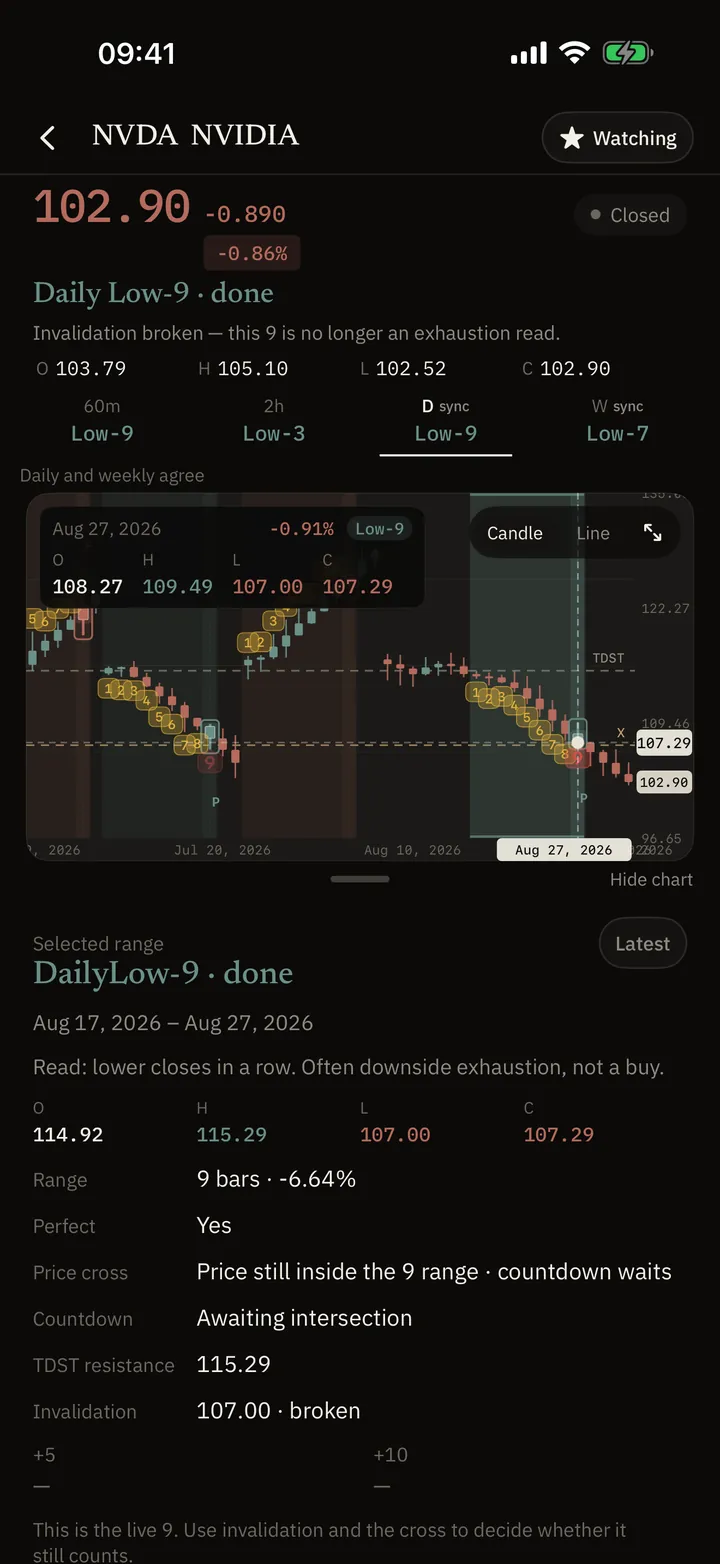
Read a name
Why that number is that number, and whether the bar has closed.
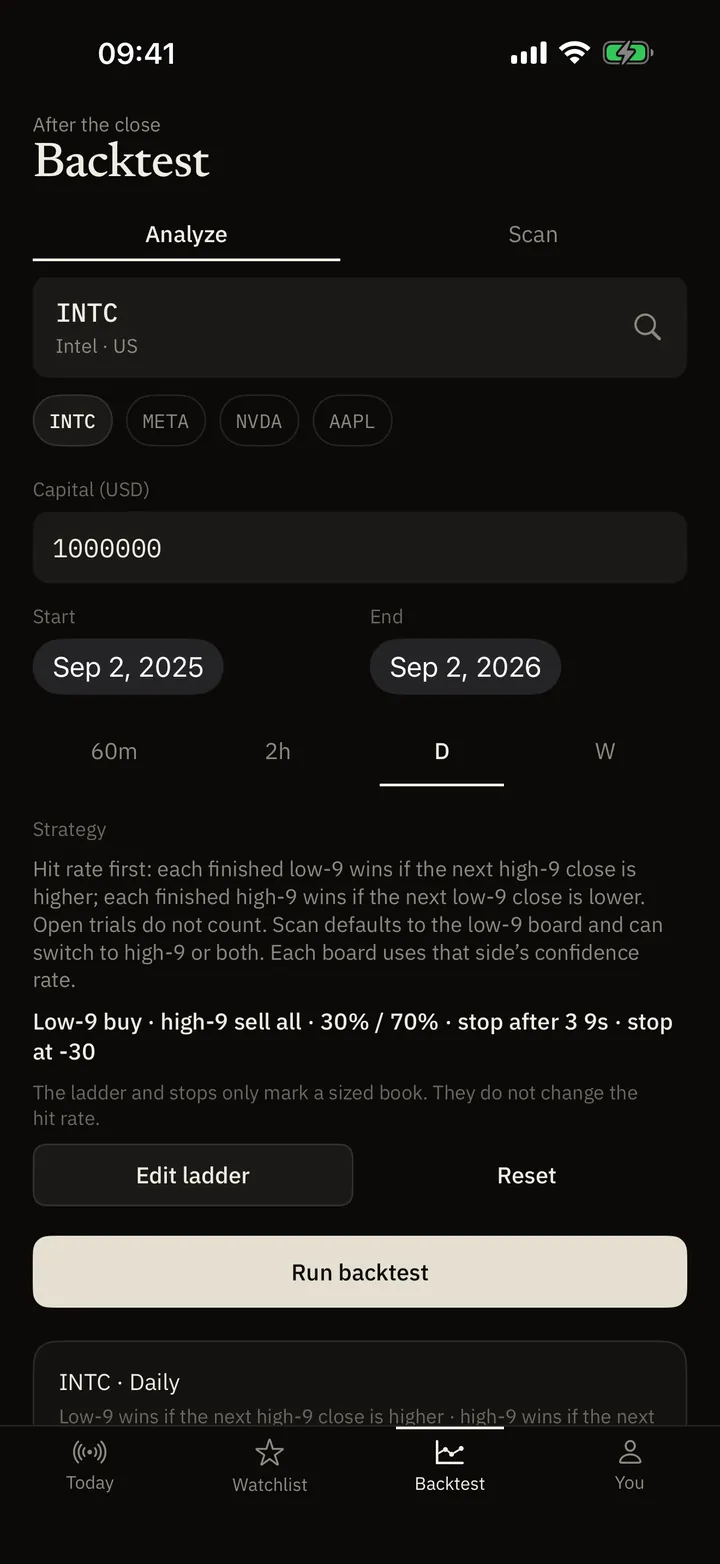
Backtest
Replay finished 9s. History, not a pick list.
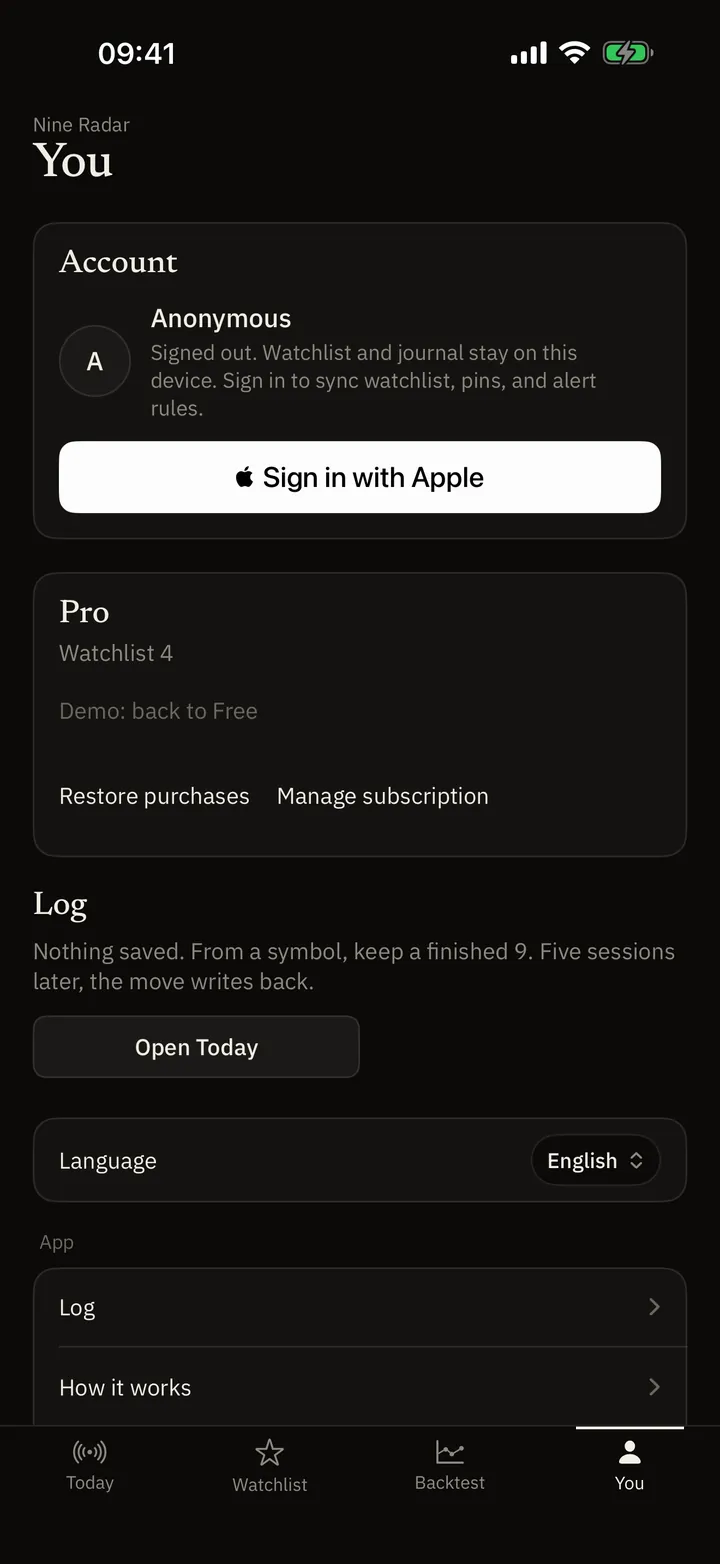
Journal & widget
A local note, or today’s counts on the Home Screen.
How the 9 and the 13 are counted
How the count works. The app lists who finished after the close — not another line on the chart.
What is a TD Sequential 9?
Nine closes versus four bars back. Counts of 6–8 paint from 6. A finished 9 paints 1–9. A failed bar clears the unfinished labels.
What is the TD Sequential 13?
Countdown after a finished 9. It completes less often. An unfinished 13 can cancel.
Low-9, high-9, Perfect, TDST
The names on the list, and what they are not.
Guides and troubleshooting
Worked examples for counts, clocks, alerts, and closed-pair stats. Stories without a recorded sitting are examples, not a client desk.
Check the formula and closed bars before calling a missing label a bug
A missing label is a checklist, not a verdict. NineRadar’s display rule is not every Tongdaxin formula.
Report the session and count without turning it into a recommendation
This is an example of how to write a count down. It is not a record of a desk. Write the US session date. Do not write “today,” and do not use the letters CST for both Shanghai and New York.
A completed count is not a transaction instruction
The chat in this note is an example of a misreading, not a quoted conversation. A finished low-9 records nine comparisons. It does not record what to do next.
Look up a stock after the close
Open a name you already follow — Apple, Tencent, 茅台. Read the latest daily 9, and the latest 13 state when this scan has one. A finished 13 on that card is not automatically today’s close. Not a ranking.
Common questions
What is a TD Sequential 9 (the “magic nine”)?
Nine consecutive closes above or below the close four bars earlier. That prints a high-9 or a low-9. Chinese markets often call it 神奇九转. It is a count, not a trade order.
If my broker already paints 9, why NineRadar?
A quote app marks 9 on the symbol you opened. NineRadar lists who finished a 9 after the close, and who finished a 13 when Pro is on, on that market’s hot list plus names you added. The iOS app can hold US, Hong Kong, China, Japan, Korea, Taiwan, Singapore, the UK, Europe, Canada, Australia, India, Brazil, and indexes. This website’s stock lookup is US, Hong Kong, A-shares, and Korea. The default replay compares a finished 9 with the close 10 bars later. Pending trials stay out. The hot list is not every listing.
What is the difference between a low-9 and a high-9?
A low-9 is nine closes below the close four bars back (numbers under the candle). A high-9 is nine closes above that bar (numbers above the candle). Neither is a buy or sell instruction.
What is a TD Sequential 13?
A later countdown that can start after a finished 9. It completes less often than a 9. On Today, the 13 list is Pro: without Pro that cell is a dash and opens the paywall. A symbol page on this website can still show the latest 13 state. Free still shows whether a 9 finished.
Does NineRadar pick stocks or tell me to trade?
No. It displays structure counts and historical stats on finished pairs. History does not forecast the next bar. It is not a broker and not investment advice.
A note when something ships
If you want a rare email when the count list or the site changes, leave an address. No ads. Not a pick.
Stored only to send NineRadar notes. See privacy. Privacy
Get the app
iOS. Questions: support@nineradar.com